Sovereign Tower on Steam Deck
Verified handheld play, UI habits, and post-1.0.8 stability notes
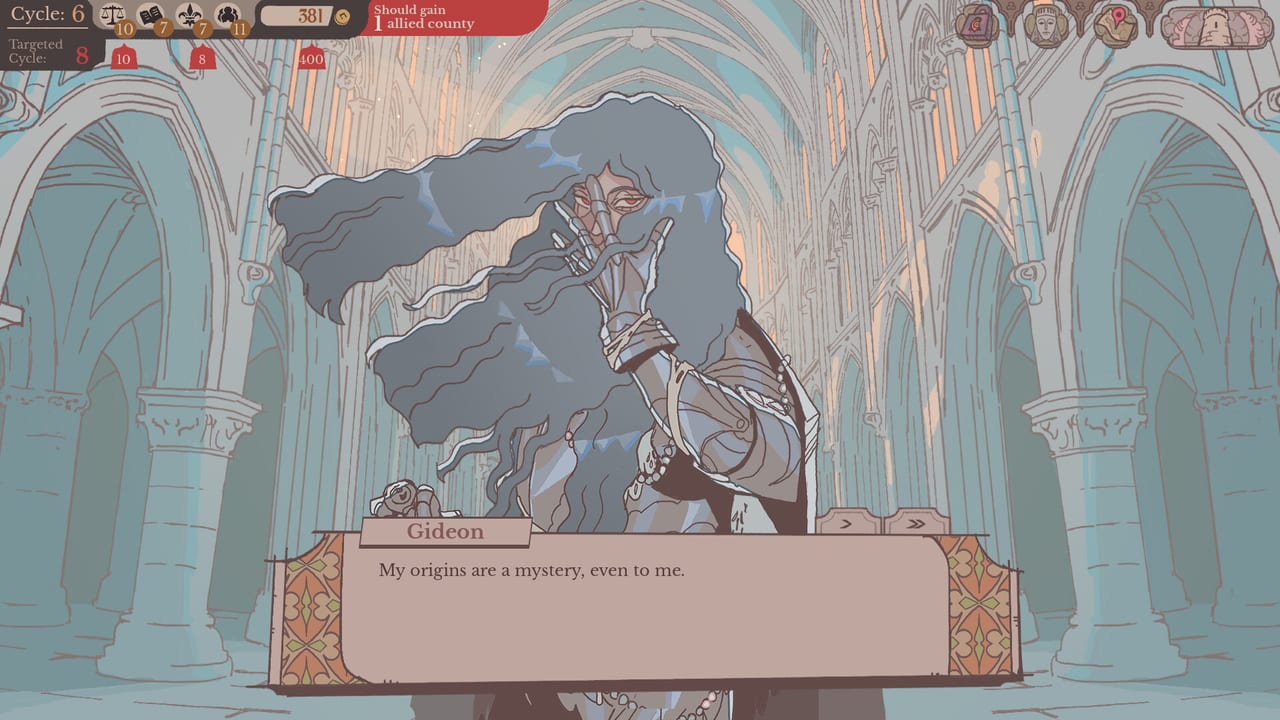
Sovereign Tower launched August 6, 2026 as a Steam Deck Verified title — Curve Games highlighted Verified status in the day-before launch note, and store badges still list it for the solo Round Table RPG from Wild Wits. This page collects handheld-specific advice for Deck and SteamOS players without inventing frame-time tables Valve has not published.
Cross-read System Requirements, Controls Guide, Patch Notes 1.0.8, and Difficulty Tips before your first train-commute reign.
Verified — what that means here
Steam Deck Verified means Valve’s checklist for defaults, readability, and input worked at certification time. For Sovereign Tower that maps well to the genre: mouse-driven UI with gamepad-friendly highlights, readable portraits, and no mandatory keyboard typing in core loops. It does not mean every community mod or future patch is re-certified overnight — after big updates, re-test once.
Punished Backlog’s launch review even used a PC via Steam Deck configuration, which matches how many players experience the game: visual-novel pacing plus management menus on a handheld screen.
Platforms overlap
Steam lists Windows, macOS, and SteamOS for the full release. Deck players run the SteamOS / Proton path Valve ships for Verified titles. Linux desktop users on SteamOS-adjacent setups should still verify Proton prefixes after OS updates — see store OS tags on Release, Demo & Availability.
The game stays solo-only — no multiplayer stack to configure on Deck.
Controls and UI on a small screen
Sovereign Tower is denser than a pure visual novel when Round Table cards stack:
- Use the official controller glyphs in Controls for audience confirmations and annex menus.
- Zoom / text size: if UI feels tight, enable Steam Deck Quick Access → scaling options rather than squinting through forge repair screens.
- Skill / level-up flashes after quests are easy to dismiss with an accidental A / confirm — launch reviews warn the upgrade menu is easy to skip. Slow down on debrief screens.
- Trackpads help when dragging across kingdom map pins (Kingdom Map).
Patch 1.0.8 handheld relevance
August 11’s 1.0.8 build matters on Deck for three reasons:
- Godot / Steam init crash workaround — fewer black screens when the client raced Steam initialization. Cold-boot Steam, then launch the game if you still see load hangs.
- Save / load confirmation popups — accidental overwrites are more common on handheld when you brush the wrong button; confirmations help.
- Quest scoring + forge repair cost cuts — shorter repair loops mean less menu time between pirate or Dragon Knight spikes (Grest Pirate Quest, Beat the Dragon Knight).
Battery and session design
A critic first clear lands near ~16 hours with Demon rewinds. On Deck, plan sessions around cycles, not arbitrary clock hours:
- Finish an audience + exploration + Round Table block before suspend when possible.
- Sovereign Mode (auto-save, no manual saves) works on Deck but removes your safety net — know the rule before enabling (Difficulty Tips).
- Suspend-resume is usually fine for Verified story games; after OS updates, do one manual save (with the new confirmation) before long sleeps.
Performance expectations (honest limits)
This wiki will not invent FPS numbers. Verified certification plus launch-week player notes describe the title as comfortable for handheld story-management play. If you see stutter:
- Cap refresh in SteamOS performance menu.
- Close heavy browsers / Discord overlays on desktop mode.
- Verify game files after 1.0.8.
- Re-check System Requirements if you are on an LCD Deck with unusual TDP limits.
Accessibility and language on Deck
In-game languages include English, French, German, Japanese, Korean, and Simplified Chinese (per Steam). This wiki publishes EN/FR/DE/JA guides. On Deck, set game language in Steam properties before first launch so UI fonts match your reading language.
No full voice acting is advertised — headphones help with soundtrack tracks from Hildegard Von Blingin’ and Nicolas Gaborel, but you will still read most dialogue (Soundtrack).
Recommended Deck starter path
- Install full game or demo (demo app 4422320 still useful for practice).
- Confirm Verified runtime / latest patch (aim for 1.0.8+).
- Read How to Play once on a larger screen if possible, then play on Deck.
- Keep Knight Quest Matcher bookmarked in the Deck browser for tough cards.
- After first mid-act failure, learn Time Rewind instead of rage-reinstalling.
Related pages
- Review Hub — buying context and Metacritic.
- System Requirements — desktop specs.
- Controls — UI flow details.
- Updates Hub — patch watch.
- Patch Notes 1.0.8 — crash and QoL specifics.
Rule from the throne room or the train seat — Sovereign Tower’s Verified badge exists so both are valid. Keep 1.0.8 installed, respect confirmation prompts, and do not skip those fleeting level-up menus.
Frequently Asked Questions
Quick answers to the most common questions.
Is Sovereign Tower Steam Deck Verified?
Yes. Curve Games announced Verified status at launch, and Steam lists the badge for the August 6, 2026 release.
Does patch 1.0.8 help Deck players?
Yes. It works around a Godot/Steam init loading crash and adds save/load confirmations that prevent accidental overwrites on handheld.
Can I play the demo on Steam Deck?
Yes. Demo app 4422320 covers Act 0–1 and is useful practice before buying. Full game app is 4113940.
Is the game multiplayer on Deck?
No. Sovereign Tower is solo-only on every platform, including Steam Deck.