Sovereign Tower Emergency and Deadline Quests
Red-border Round Table cards, countdown cycles, and how to survive them after launch
Emergency quests in Sovereign Tower are the management RPG’s loudest alarm bells. Wild Wits marks them with red borders on Round Table cards, prints a deadline in cycles, and expects you to interrupt the cozy audience–exploration rhythm to answer a crisis before faction meters collapse. Curve Games’ solo title launched August 6, 2026 on Steam; Patch 1.0.8 (August 11) explicitly extended the Grest pirate emergency by one cycle while also softening some quest scoring penalties — a combination that saves late saves without making emergencies optional.
This hub explains how timed quests work across the wiki, what red borders mean in practice, and which pages to open before you assign knights. Start with Quest Scoring Explained for the math, then drill into Grest Pirate Quest when that specific timer appears.
How to spot an emergency
Emergency and deadline quests share visual language on the Round Table:
- Red border — treat the card as high priority; deferring it often damages People, allied counties, or Treasury obligations more than a yellow “risky but optional” assignment.
- Cycle counter — a visible countdown until failure; when it hits zero, you typically receive a scripted failure debrief rather than another polite reminder.
- Audience origin — many emergencies begin as morning petitions you accepted; the evening card is the bill coming due.
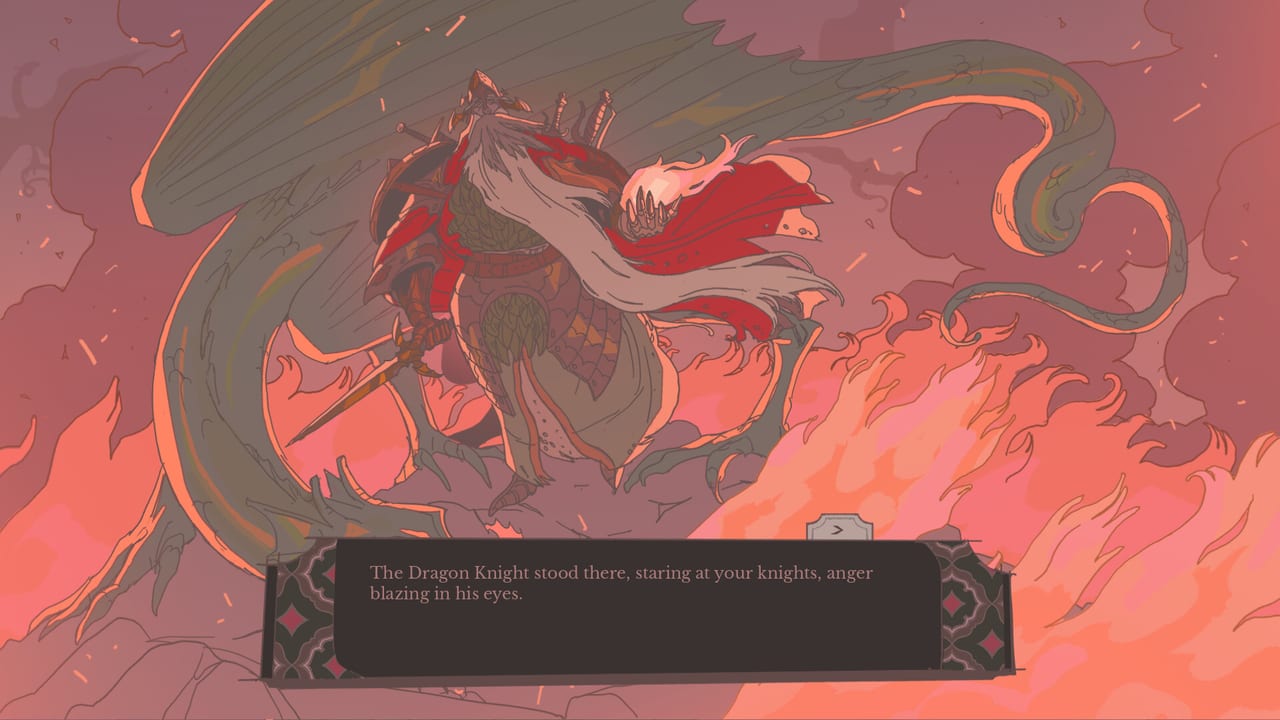
Not every difficult quest is an emergency. Story spike fights like the Dragon Knight can hurt without a red border; emergencies are timeboxed first. Quest Success Tips separates green, yellow, and red risk tiers — emergency cards are always red-tier scheduling problems even when stats look manageable.
What happens when the timer expires
When a deadline quest fails unresolved, Sovereign Tower applies narrative and mechanical fallout rather than a silent skip:
- Faction swings — People trust, Noble pride, or allied standing often drop sharply; recovery takes multiple good weeks.
- Follow-up cards — failed pirate windows may spawn worse diplomacy or defence quests on the Kingdom Map.
- No automatic rewind — the Demon in the crypts can undo the week, but only after you reach crypt access and accept the narrative cost (Time Rewind).
Read Quest Outcomes for Critical Failure bands when you send a weak party on the final cycle — emergencies still use the same −10 base score, presence rules, meal bonuses, and trait ±1 stacking documented on Quest Scoring.
Patch 1.0.8 and the Grest pirate timer
The clearest post-launch emergency is the Grest pirate quest. Steam Patch Notes 1.0.8 state the deadline increased by one cycle. Wiki impact:
| Build | Grest pirate deadline |
|---|---|
| Launch week (pre-1.0.8) | Original tight timer |
| 1.0.8+ | +1 cycle |
That extra cycle is not vacation time — it is prep time for forge repairs, favourite meals (+0.5 score), and clearing conflicting multi-day assignments. Full step-by-step routing lives on Grest Pirate Quest Walkthrough; patch context on Patch Notes 1.0.8.
Other emergencies may not receive the same explicit note. When a new red-border card appears in Acts 2–3, assume the timer is honest until a future patch says otherwise.
Pre-assignment checklist (every emergency)
Run this list the morning a red-border card lands or the cycle counter ticks down:
- Read the full card — party size, every stat line including Luck, trait tags, special knight outcomes.
- Check roster availability — knights on multi-cycle quests cannot help; see Round Table scheduling notes.
- Forge and armour — repair before the final cycle; 1.0.8 reduced repair costs but did not remove damage risk on Failure.
- Kitchen pass — feed favourites if a cycle remains; +0.5 can flip borderline Success (Cooking).
- Treasury and hires — if a stat gap persists, consider Map Room Hiring only when a seat remains and secrets are not blocked.
- Tool verify — run Knight Quest Matcher on the emergency card before locking the evening.
- Faction buffer — enter the week with Merchants / People / Nobles off critical via Factions.
Skipping step two is how players “solve” Grest on paper while their best raider is still escorting a merchant caravan.
Scoring under time pressure
Emergencies compress the formula from Quest Scoring Explained:
- Presence first — send the requested knight count; partial parties start deep in Failure territory.
- Hard stats second — under-level lines hurt; 1.0.8 reduced weak-stat pain but did not remove it.
- Traits third — when you lack a cycle to craft trait-granting gear, pick knights who already match Hunt, Crowd, or Water tags (Knight Attributes).
- Special outcomes last — named knight triggers still override normal rewards; do not accidentally trigger a story branch you did not want.
Gold multipliers on Great or Critical Success do not double relics — chase safe Success on emergencies unless you have spare cycles to optimize.
When to rewind vs when to push
Use the Demon (Time Rewind) when:
- The emergency failed because you double-booked knights or skipped forge prep and faction fallout will poison the next act.
- You learned a hidden attribute mid-deadline that changes the optimal party.
Push without rewinding when:
- One cycle remains, your party meets every line, and only faction optics (not stats) worry you.
- Failure debrief is acceptable for your current route — rare on Grest, more common on optional couriers.
Rewinding every red card teaches nothing; dying to the same Strength gap twice means recruitment or Map Room planning failed upstream.
Emergency types beyond Grest
Launch-week documentation focuses on Grest pirates because Patch 1.0.8 named them. Other timed content shares the same UI:
- Alliance defence — neighbouring counties expect help before a meter expires (Alliances).
- Courier crises — off-map petitions with short fuse once accepted.
- Act spikes — Dragon Knight weeks and rebellion windows can collide with red-border cards; read Beat the Dragon Knight alongside this hub.
As the community verifies Acts 2–3, this page will link additional walkthroughs from the Walkthrough Hub. Until then, treat red border + cycle counter as the universal emergency definition.
Common failure modes
- Treating +1 cycle as infinite — Grest still fails if you tourism-explore annexes on the bonus day.
- Sending diplomats to raid cards — Charisma does not substitute for printed Strength on harbour defence.
- Ignoring meals on the final evening — the cheapest +0.5 in the game.
- Filling Act 1 seats with Map Room hires before Alwena or secret knights — see Get Alwena and 20 Tips.
- Assigning before reading special outcomes — story overrides beat score math.
Related reading
- Grest Pirate Quest — named emergency walkthrough.
- Quest Scoring Explained — formula under pressure.
- Quest Success Tips — red-tier workflow.
- Time Rewind Explained — recovery tool.
- Systems Hub — mechanic index.
Emergencies are Sovereign Tower asking whether you can govern under a clock. Learn the red border, spend Patch 1.0.8’s extra cycle on preparation, and assign before the harbour burns.
Frequently Asked Questions
Quick answers to the most common questions.
How do I recognize an emergency quest in Sovereign Tower?
Look for **red-border** Round Table cards with a **cycle countdown**. They outrank optional assignments — see [Round Table](/systems/round-table/) and [Quest Success Tips](/guides/quest-success/).
What did patch 1.0.8 change for Grest pirates?
Steam notes add **one cycle** to the Grest pirate emergency deadline and soften some scoring penalties. Details: [Patch 1.0.8](/updates/patch-1-0-8/) and [Grest Pirate Quest](/walkthrough/grest-pirates/).
Should I cook and craft before an emergency assignment?
Yes when a cycle remains. Favourite meals add about **+0.5** score; forge repairs reduce Failure damage. Emergencies still use [Quest Scoring](/systems/quest-scoring/) math.
Can I Demon rewind after missing an emergency deadline?
Yes once crypt access unlocks. Rewind to a cycle with roster and forge ready, then use the patched timer wisely — [Time Rewind](/guides/time-rewind/).